Adjust account order
How to adjust the order that accounts display in the sidebar
By default, accounts will be ordered in the order that you added the account.
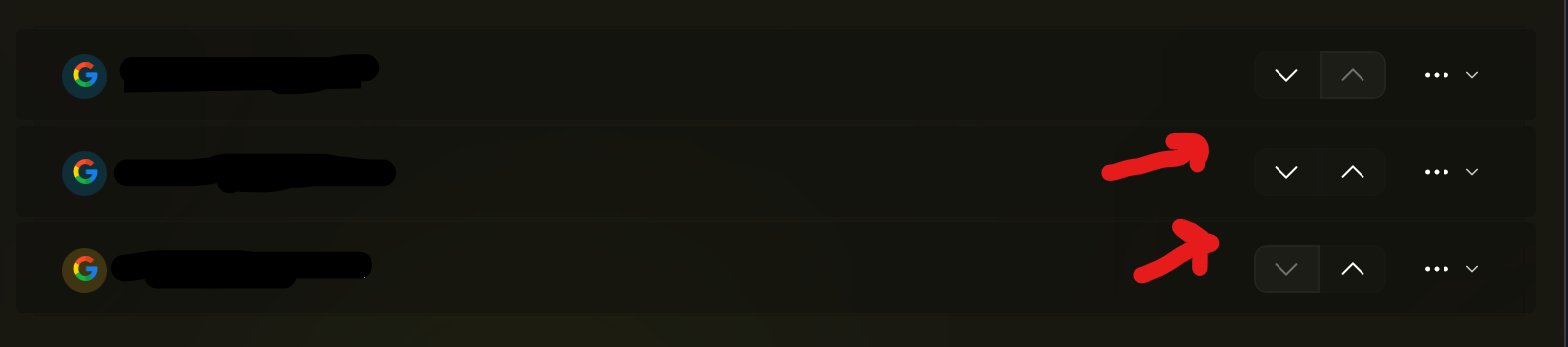
If you want to customize the order of your accounts, go to the Accounts page (button in the bottom left corner).
After that, click either an up or down arrow on an account to move it up or down in the order.