Adding a Google Account
How to add a Google account to Astral
To add a Google account to Astral, tap the Accounts button in the bottom left corner
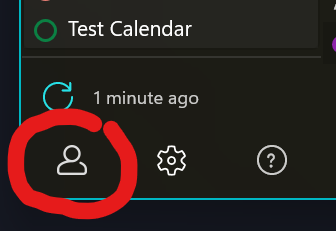
After that, tap the Add a Google Account button - a web browser will open up. Follow the process to log into Google, and afterwards your account will be added!

Was this helpful?
Still need help? Share an idea